DPD Return Labels via API: A Step-by-Step Guide
How to generate DPD return labels via API using the -RETURN parcel_type field, bearer-token auth, and rate limits — with a working failure case.

Why DPD Return Labels Need Their Own Playbook
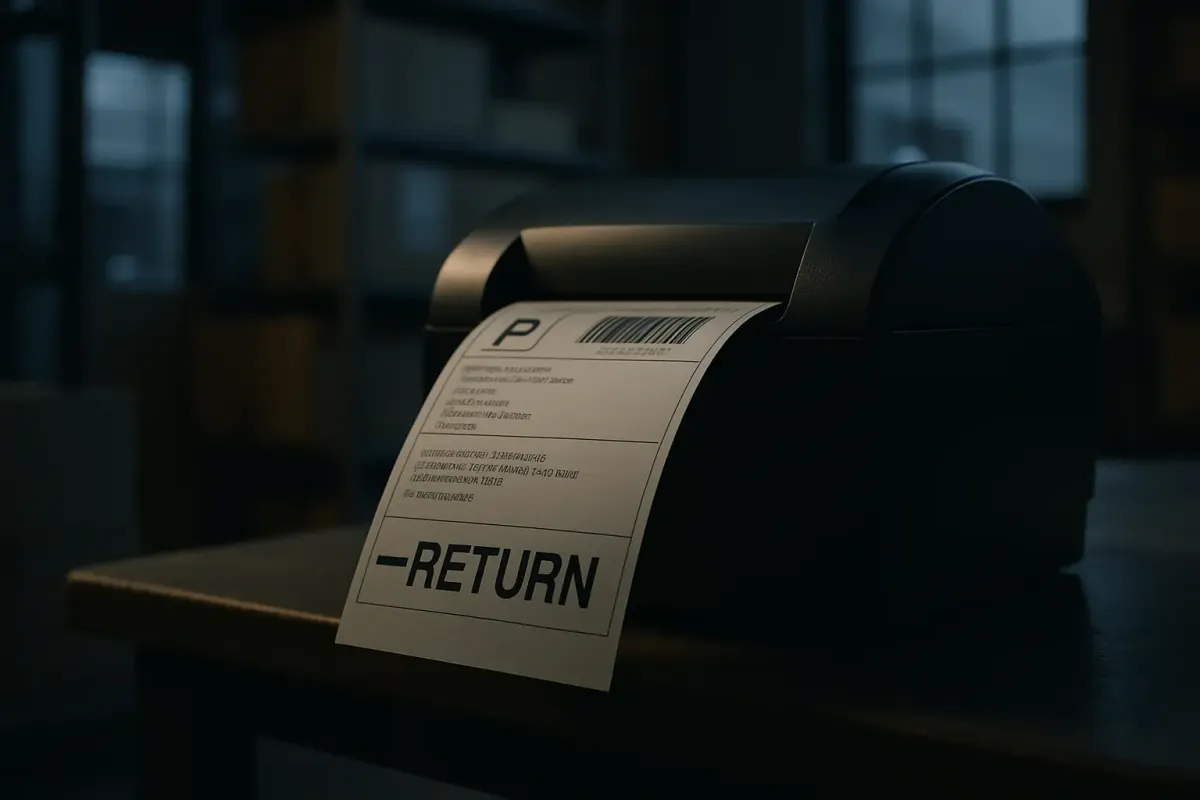
Search "DPD return label API" and you'll find plenty of pages about forward shipment creation, and almost nothing about returns. That's not an accident — DPD doesn't expose a dedicated return-label endpoint. Instead, return labels are created during shipment creation by adding -RETURN to already existing parcel_type parameter value, per DPD's Interconnector WS documentation. So a normal parcel type like D or B2C becomes D-RETURN or B2C-RETURN. If you're building a reverse-logistics flow and searching the docs for a "createReturnLabel" method, stop — it doesn't exist. You're modifying a parameter on the exact same shipment creation call you already use for outbound parcels.
This is a classic DX trap. It's a suffix on an enum value buried in a parameter table, not a resource in its own right. Miss it during a code review and someone will hardcode "D" as a constant somewhere, and your returns feature will quietly ship forward labels instead. This guide walks through the actual call sequence, the token lifecycle, and the rate-limit wall you'll hit if you push return labels through in bulk without throttling.
What You Need Before Starting
You need country-specific sandbox credentials, a bearer-style auth token workflow, and clarity on which DPD web service variant applies to your market — because DPD's API surface is not one API, it's several, forked by country.
- A DPD contract or client account with your local DPD entity (Germany, NL, Belgium, Baltics all issue separate credentials).
- Sandbox ("stage") credentials distinct from production — DPD NL's guidelines are explicit that the Stage environment must be used for development and testing purposes only, and the Live environment must be used for production purposes only.
- A test harness capable of SOAP or REST, depending on your instance — curl, Postman, or a small script works fine for the walkthrough below.
- Knowledge of your
delisId(DPD's user identifier) and password, since these are what the login service exchanges for a token.
DPD Germany's public web services are SOAP-based, exposed at endpoints like https://public-ws.dpd.com/services/LoginService/V2_0 and https://public-ws.dpd.com/services/ShipmentService/V4_4/, alongside a ParcelShopFinderService/V5_0 for pickup points. DPD NL, by contrast, documents a parallel REST API with its own developer guidelines, and the Baltic states run yet another variant via the Interconnector web service. If you're integrating more than one DPD country, budget for maintaining two or three separate client implementations, not one with country flags.
Step-by-Step: Generating a DPD Return Label
Here's the sequence that actually produces a return label in the response payload, using DPD Germany's SOAP stack as the reference (NL's REST equivalent follows the same logical steps, different transport).
- Get country-specific credentials. Request sandbox (stage) and production (live) credentials from your DPD account manager. Stage and live use different credential sets and different base URLs — don't assume one login works on both.
- Authenticate against the login service. Call
LoginService/V2_0/getAuthwith yourdelisIdand password. The response returns anauthToken: the login service is applied to authenticate the user and retrieve a token, and the token is used to grant access to the other services of the DPD Integration Services. - Cache the token — do not re-authenticate per request. This is the rule integration engineers skip and regret. DPD NL's guidelines state plainly: to protect each account and password, an authentication token must be generated via the login service, this token is used in all following API calls, each token is valid for one business day CET/CEST and must be cached, and calling the login service more than 10 times a day is prohibited. Set a TTL of 24 hours on your cached token and refresh proactively rather than on every call.
- Build the shipment payload with a
-RETURNparcel_type. Populate the mandatory sender, recipient, and parcel blocks exactly as you would for a forward shipment, but setparcel_typeto the return variant (e.g.D-RETURN). What fields are mandatory depends on the service — DPD's own API documentation notes parameters within this block must be filled in according to the services available for a specific user, so check your contract's enabled services before assuming a field is optional. - POST to the shipment creation endpoint with the bearer token in the auth header. For Germany that's
ShipmentService/V4_4/storeOrders. Request the label inline by supplyinglabelOptionsin the same call — this is what triggers the return label to be generated alongside the main one: there is an option to request a parcel label within the shipment creation request; to do that an object labelOptions must be provided on shipment creation request; this array must contain the label parameters and will create a new block in shipment creation response named shipmentLabels. - Decode the binary label block. The
shipmentLabelsblock doesn't hand you a URL — it hands you bytes. Per DPD's documentation, these are binary encoded parcel label files, where each block consists of a parameter "binaryData" (blob) that contains binary content. Base64-decode it and write it to a PDF, or route it directly to a label printer if your stack supports raw ZPL/PDF streaming. - Verify by logging the parcel number. A successful call returns a parcel number alongside the label. Save it — DPD's docs explicitly flag this as a cross-cutting reference: please save DPD parcel ID returned by shipment creation method, it can be used not only for creating the label but for pulling status updates later. Cross-check the parcel number and label PDF render correctly in stage before you point the same code at the live endpoint.
One documentation subtlety worth flagging for return-only flows: some Interconnector deployments recognize a value like RET-RETURN where, unlike the standard `-RETURN` suffix that returns both an outbound and a return label, only the return label itself is produced. Confirm this against your specific country's parameter table before assuming behavior transfers between DE, NL, and Baltic instances — we haven't been able to verify it's consistent across all three.
Failure Mode: Rate Limits and Silent Token Expiry
The most common way this integration breaks in production isn't a bad payload — it's throughput. DPD enforces a hard ceiling and a strict single-request-at-a-time rule that catches teams who build naive parallel batch jobs for return labels after a sale event.
The math DPD publishes is specific: generating one shipping label takes on average about 1 second per label, and working in a safe sequential manner, including a buffer of 100%, therefore gives a limit of 30 shipping labels per minute or 1,800 per hour. Exceeding this limit may cause a warning and even result in an application ban. That's not a soft throttle — it's a ban risk, and it applies per account.
Concurrency is the second trap. DPD's guidelines are unambiguous: only when the service has responded to the initial API call can a new API call be sent, sending multiple shipment service calls at the same time is prohibited, and when using more than one IP address, e.g. a load balancing cluster, you must ensure no API calls are being sent simultaneously. If your infrastructure runs behind a load balancer with multiple outbound IPs firing return-label requests concurrently, you can trigger a ban without ever exceeding the per-minute count, simply by violating the sequential-only rule.
Token expiry produces its own quieter failure. Watch your logs for this exact signature from the login service:
{
  "getAuthResponse": null,
  "status": {
    "type": "FaultCodeType",
    "code": "DELICOM_ERR_AUTHENTICATION",
    "message": "Authentication failure, check delisId and password."
  }
}
This can appear even when your credentials are correct, if you're accidentally sending an expired or malformed token instead of a password. Once the authentication has expired, every DPD Shipper Webservice service will provide a corresponding errorCode, and if these errorCodes are received it is mandatory to make a login service call and cache a new authentication token. The fix stack:
- Token caching with a 24-hour TTL, refreshed a few seconds after expiry rather than on a fixed clock schedule — a good time to call the login service and generate a new authentication token is 24 hours and a few seconds after the first request was made.
- Strict request queuing so shipment service calls never run in parallel, even across load-balanced nodes.
- Exponential backoff on any 429 or ban-adjacent signal, since an excess in number of calls will result in a temporary suspension (error 429 – Too many requests) on the REST variant.
- Full request/response logging, which DPD itself recommends: please log all your API requests and responses, this information will be useful in case of any data exchange issues, and it's what DPD support will ask for first if you open a ticket.
Where This Fits in a Multi-Carrier Setup
DPD's per-country SOAP/REST split, its 30-call-per-minute ceiling, and its 10-calls-a-day login limit are exactly the kind of constraints that push integration teams toward an abstraction layer rather than direct carrier code. Platforms like AfterShip Shipping, ApiX-Drive, ShipEngine, Sendcloud, and nShift — and multi-carrier TMS layers such as Cargoson — sit on top of this exact fragmentation so your application code issues one call for a return label regardless of whether the underlying carrier is DPD, GLS, or DHL. That doesn't remove DPD's own rate limits at the wire level, but it does mean you're not the one maintaining three different `-RETURN` conventions and three different token caches per DPD country instance.
If you're shipping return labels at real volume across multiple carriers, this abstraction cost-benefit is worth running the numbers on before committing to a direct integration.
What We're Still Testing
Two open questions from this walkthrough that we haven't closed out in our test rig yet: whether DPD NL's REST variant enforces the same 30-per-minute, 1,800-per-hour ceiling as the legacy SOAP endpoints documented for Germany and Belgium, and how return-label-specific error codes actually differ across DE, NL, and Baltic Interconnector instances when a `-RETURN` parcel_type is malformed. We'll publish updated numbers once we've run identical return-label load tests against each country's sandbox side by side — flag this post for a follow-up benchmark report.